
3 Months
- 20,000+ live channels
- 100,000+ movies & series
- US locals, news & sports networks
- HD, FHD & 4K where available
- TV guide (EPG) included
- Setup help by WhatsApp & email
LIVE TV · MOVIES · SERIES
Watch live TV, movies and series through a player on your TV or phone. Try it on your own connection before choosing a prepaid plan.
✓ 24 hours free✓ No credit card✓ No contract
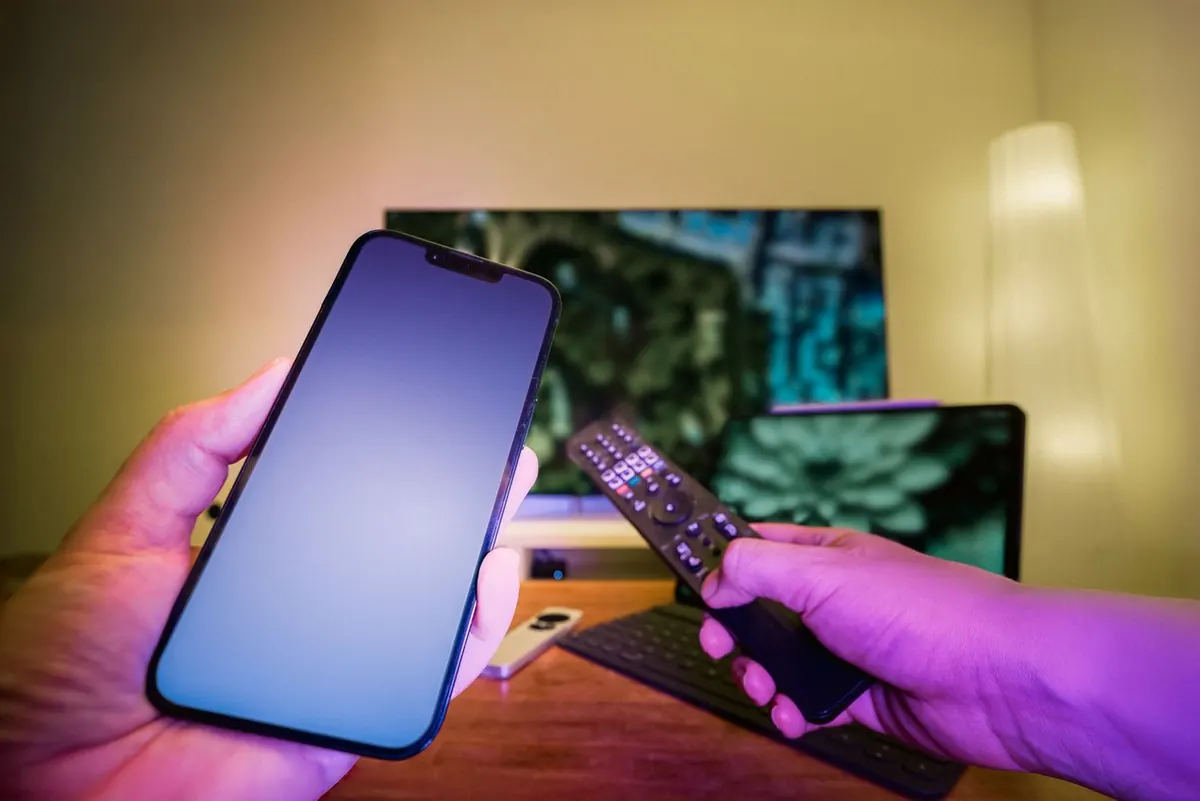
VIEWING & DEVICE EXAMPLESTV & MOBILE
Watch on your own screen.
TV · Phone · Compatible playerTell us which channels matter to you. We’ll check the current lineup, and you can test the available feeds during your trial.

Check your news, sports and everyday channels.

Browse available titles during your trial.

Find the setup guide for the screen you use.

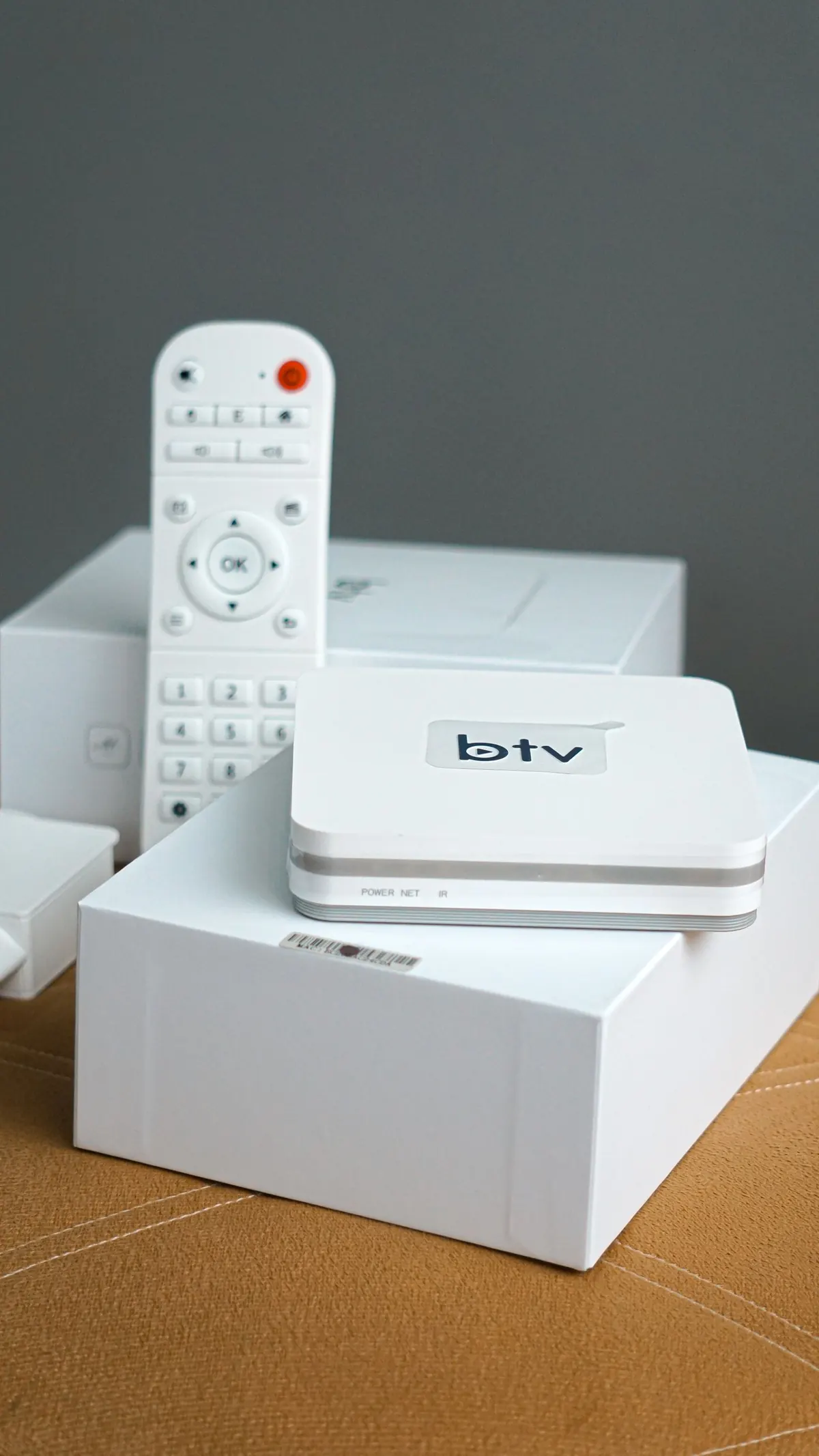
Check the device, app and login before you pay.
Photos show examples of TV viewing and streaming equipment. Check your model and the current channel lineup with us before choosing a plan.
Every plan includes the full lineup: 20,000+ live channels, 100,000+ movies and series, the TV guide and support. Pick how many devices you need; the 12-month plan is the best value. No contract.
Not sure yet? Try it free for 24 hours first, or compare options in our best IPTV subscription guide.
App availability depends on the model and operating system. Start with the matching guide, especially for Roku and newer Fire TV devices.
Check your Fire TV model before choosing a player
Setup guide →
Via AirPlay, mirroring or Channel Store player
Setup guide →
Install from the TV's app store
Setup guide →
IPTVX, iPlayTV and more
Setup guide →
TiviMate and IPTV Smarters
Setup guide →
Watch anywhere, AirPlay to TV
Setup guide →
Send us your device and state on WhatsApp or email to request your login. 24 hours, full channel lineup, no card.
Choose the guide for your exact device. Roku and newer Fire TV models have different app options, so check compatibility before installing.
Use the trial on your own internet. If it works for you, choose 3, 6 or 12 months and send the selected plan to us on WhatsApp.
Compare your own bill and viewing needs. To calculate the total, use IPTV cost in the USA.
| Before you switch | What to check | IPTV USA |
|---|---|---|
| Total payment | Compare the full term, taxes and app fees | 3, 6 or 12 months paid upfront |
| Screens at once | Count simultaneous streams, not installed apps | Plans for 1 to 5 devices |
| Internet | Ask for the standalone broadband price | Your own internet connection is required |
| Favorite channels | Check the actual lineup before paying | Ask support and test during the trial |
| Device setup | Confirm your model and player are supported | Device-specific setup guides |
| Renewal and refunds | Read the terms before choosing a longer plan | Prepaid terms and a published refund policy |
IPTV stands for internet protocol television. Instead of arriving through a cable line or a satellite dish, live channels and on-demand video are streamed over your broadband connection and played in an app on your TV, streaming stick or phone. Household names like YouTube TV and Sling use the same technology.
The player opens the channel using your account details and loads the program guide separately. Set the player to your local time zone and check the channels you watch regularly during the trial.
Home internet of about 10 Mbps per HD stream (25 Mbps for 4K), a compatible device, and a subscription. That is it: no technician, no box rental. Read the full guide: what is IPTV, or jump to how to get IPTV.
Check the service details, prepaid terms and refund conditions before ordering. You can also read how this site works and ask us about your setup.
Try the channels you watch most during your usual viewing hours. If a stream stops, send support the channel name and time so we can investigate.
Picture quality depends on the channel source and your device. Where a lower-resolution stream is listed, try it if the higher-resolution version keeps stopping.
Browse current and upcoming programs in the player. Check its time-zone setting if program times look wrong; guide coverage varies by channel.
100,000+ titles on demand, included in every plan.
Replay is available on selected channels and supported players. Ask about a particular program before relying on catch-up.
Email and chat 7 days a week, 8am to midnight ET, in English and Spanish. Include your device model and app name so we can look into the right setup.
20,000+ live channels across every category, including 2,500+ US channels. Lineups change as sources are added, so if one channel matters to you, ask during the trial and we will confirm it.
These local guides cover apartment connections, shared building internet and households with several screens. Use them alongside the device instructions and your own connection test:
Cadenas en español de EE. UU., canales de México, Centroamérica, el Caribe y Sudamérica, y soporte en español. Precios en dólares y sin contrato.
IPTV basics
What is IPTV? A plain-English guide to internet protocol television in the US: how it works, what it costs in USD, what you need, and how to choose a service.
Read guide →
Licensing and access
IPTV legality in the USA depends on content rights, not the player app. Learn what to ask a provider and where to read the US copyright rules.
Read guide →
Getting started
How to get IPTV in the USA: check your device and internet, choose a player, request a trial and test playback before paying for a subscription.
Read guide →
More answers on our customer service page. Read our privacy notice before sending account details, or use the copyright contact for rights questions.
IPTV (internet protocol television) delivers live TV channels and on-demand video over your home internet instead of a cable line or satellite dish. You watch through an app on a Firestick, smart TV, Roku, Apple TV or phone. Full explanation: what is IPTV.
Our plans start at $4.17 a month on the 12-month plan, in US dollars. The advertised monthly equivalent is not a monthly payment: the full term is paid upfront. See pricing and IPTV cost in the USA.
IPTV technology is legal, and services like YouTube TV and Sling use it. What matters is whether a provider has the rights to what it streams. See how to check licensing: is IPTV legal in the USA.
No. You only need home internet (about 10 Mbps per HD stream, 25 Mbps for 4K) and a device that runs an IPTV app.
Amazon Firestick and Fire TV, Roku, Samsung and LG smart TVs, Android TV and Google TV, Apple TV, iPhone, iPad, Android phones and computers. See the IPTV setup guide.
Yes, 24 hours with the full channel lineup and no credit card. Start your free trial.
Local news and network affiliates are included for major US markets. Ask support during your trial to confirm your local stations.
Yes. Plans support 1 to 5 simultaneous connections depending on the plan you choose.
Buffering can come from the channel source, player or home connection. Switch to Ethernet or 5 GHz Wi-Fi and follow our 12 buffering fixes. If it continues, contact support and we will check your connection and server.
Start a free trial, install an IPTV app on your device, enter the login from your email, and test at prime time. Step by step: how to get IPTV.